The YouTube Lag Nightmare: 10 Critical Facts About the Infinite Loop Bug
If your YouTube experience has suddenly turned into a slideshow, you're not alone. A nasty rendering bug has been plaguing the platform's web player, causing browsers to enter an infinite loop of visual updates that spikes CPU usage and memory consumption into the gigabytes. This article breaks down everything you need to know about the bug, from its origins to workarounds, in a clear, numbered list.
1. What Exactly Is the Bug?
The issue stems from a faulty piece of code in YouTube's web player. Instead of rendering the video interface once and then idling, the code triggers an endless cycle of re-rendering and resizing visual elements. This infinite loop forces your browser to continuously process layout changes, consuming massive processing power and RAM with no end in sight.

2. How Does It Affect Your Browser?
Once the bug activates, your browser enters a state of constant repainting. You'll notice extreme lag while trying to watch videos – stuttering playback, frame drops, and a sluggish interface. Even basic interactions like pausing or adjusting volume become delayed. The browser's task manager shows CPU and memory usage skyrocketing, often exceeding several gigabytes of RAM.
3. Which Browsers Are Affected?
Reports on Reddit and Mozilla's Bugzilla indicate that the bug hits multiple browsers, but Firefox and Brave users have been most vocal. Chrome and Edge may also be vulnerable, though the severity varies. The common thread is that any browser using certain rendering paths in YouTube's code can fall into the infinite loop, though some may be more resilient due to different optimization strategies.
4. The Developer Discovery That Cracked the Case
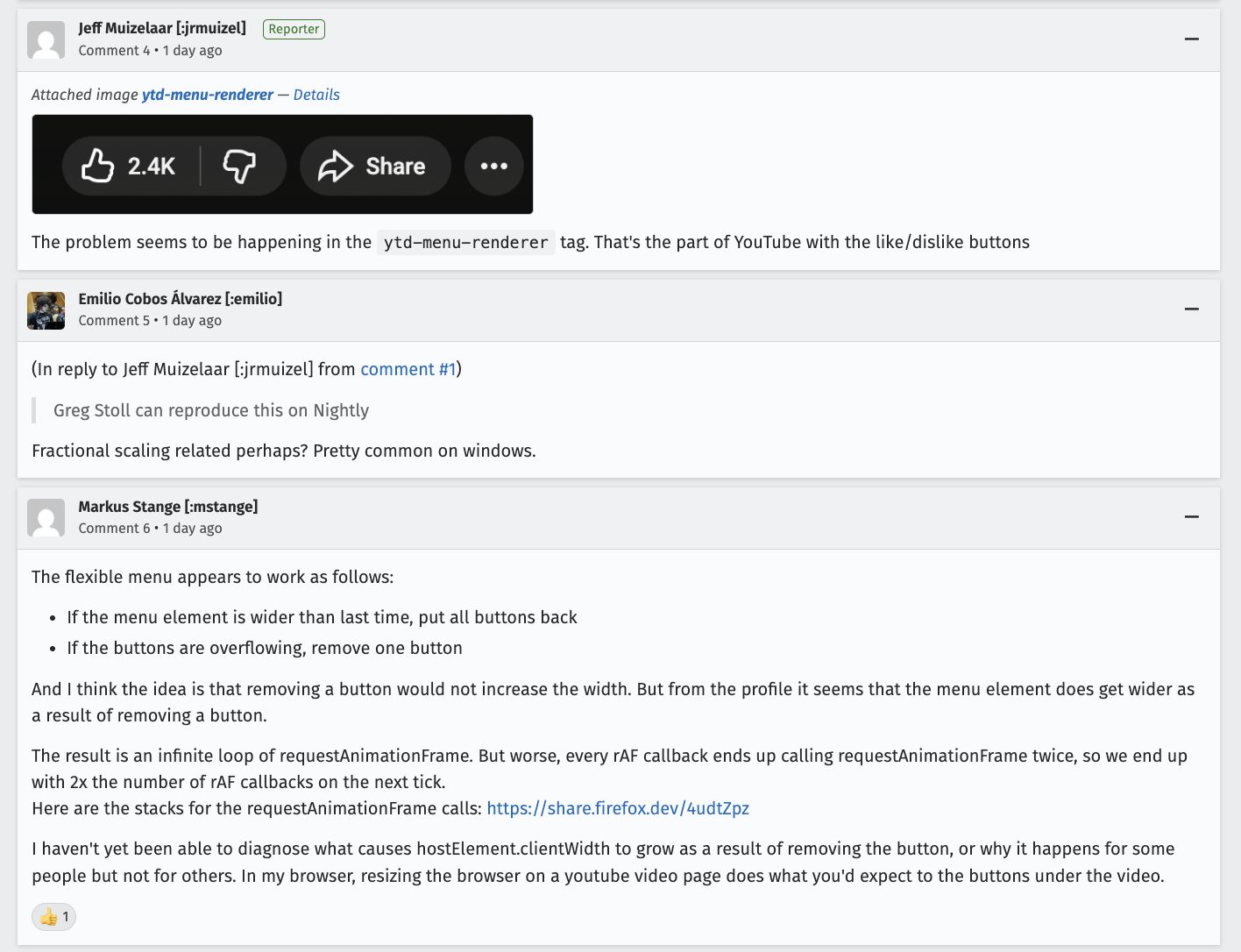
Savvy developers on the Mozilla Bugzilla thread (cited by PiunikaWeb) traced the problem to a specific rendering loop in YouTube's JavaScript. The code fails to exit after updating the player's dimensions, causing the browser to trigger repeated reflows. This isn't a simple memory leak – it's a logical error that wastes compute cycles on useless layout recalculations.
5. Memory Consumption Reaches Gigabyte Levels
Users have reported that the bug can cause memory usage to climb well into the gigabytes – sometimes exceeding 2-3 GB for a single tab. For systems with limited RAM, this can lead to system-wide slowdowns, swapping, or even crashes. The infinite loop doesn't stop until you close the tab or navigate away from YouTube.
6. How to Check If You're Affected
Open your browser's task manager (Shift+Esc in Chrome, about:performance in Firefox). If you see a YouTube tab using 500 MB+ of memory and high CPU while the page is idle, you likely have the bug. Another sign: video playback stutters even with a strong internet connection. You can also inspect the page's rendering performance via developer tools – watch for continuous layout-shift entries.
7. Temporary Workarounds You Can Try Now
While waiting for an official fix, several workarounds help: disable hardware acceleration in your browser settings, clear your cache and cookies for YouTube, or try using a different browser. Some users report success switching to YouTube's HTML5 player fallback or using an ad blocker that disrupts the looping script. Another quick fix: simply reloading the page once or twice sometimes breaks the cycle.
8. YouTube's Official Response (or Lack Thereof)
As of now, YouTube has not released a public statement about the bug. However, the massive user outcry on forums suggests a fix is being worked on. Given that the issue was identified on Mozilla's Bugzilla, it's likely Google's engineers are aware. Historically, similar infinite-loop bugs in YouTube have been patched within days to a week after widespread reporting.
9. Past Instances of Similar Bugs
This isn't the first time YouTube's web player has caused rendering loops. In 2020, a faulty CSS update caused constant repaints in Chrome. Another incident in 2022 involved an infinite loop related to video ads. Each time, the root cause was a single line of code that failed to break out of a loop. These patterns highlight the complexity of maintaining a streaming platform used by billions.
10. What to Expect in the Coming Days
Given the severity and visibility, a fix should roll out soon – likely a server-side change that doesn't require a browser update. Keep an eye on YouTube's support forums or subreddits for announcements. In the meantime, use the workarounds mentioned above. If you're a developer, you can track the Bugzilla thread for technical updates. Rest assured, you're not alone in this laggy mess.
In conclusion, the YouTube infinite loop bug is a frustrating but temporary issue caused by a rendering code error. It affects multiple browsers, spikes memory usage, and ruins video playback. While waiting for an official patch, use the workarounds and stay informed. The internet community is already on the case, and a solution is likely just around the corner.
Related Articles
- AI Data Centers Face 'Power Paradox' as Gigascale Workloads Exceed Grid Limits, New Battery Technology Offers Solution
- Why I Stopped Disabling This Hidden Windows Performance Booster
- Apple's Strategy for Diversifying Chip Manufacturing: A Step-by-Step Guide
- Unlocking HDMI 2.1 FRL on AMD Radeon GPUs: A Comprehensive Guide to Enabling the Latest Kernel Feature
- Exploring MINISFORUM's Latest NAS Innovations: Up to 7 SSDs and Panther Lake Support
- Qualcomm's Premium Snapdragon 8 Elite Gen 6 Pro: A $300 Chip That Could Redefine Flagship Pricing
- Intel's 18A-P Node: Unpacking the Performance and Efficiency Advances
- Memory Chip Contract Prices Explode: NAND Up Over 600%, DRAM Soars 400% Amid AI-Driven Supply Crisis